
Integrate with an AI coding agent — Cursor, Claude Code, Codex, Windsurf and others.
Open your mobile app project in the agent, paste the prompt below, and answer its questions. The agent reads the web2wave mobile integration playbook, detects your subscription provider and attribution tool, and does the integration step by step.
You are integrating web2wave into this mobile app.

1. Read the web2wave mobile integration playbook and follow it end to end:
   https://raw.githubusercontent.com/web2wave/integration-skills/main/docs/web2wave-mobile-integration-playbook.md
   (Docs index for agents: https://docs.web2wave.com/llms.txt)

2. First inspect this project: the platform (iOS, Android, Flutter, React Native, Unity),
   the subscription provider (RevenueCat, Adapty, Qonversion, Apphud, Superwall) and the
   attribution tool (AppsFlyer, Adjust, Branch). Show me what you found and ask me to confirm.

3. Ask me every question the playbook lists, in its order. Do not guess settings or secrets.
   Never hardcode API keys: ask me for my web2wave API key and keep it in config / env.

4. Implement only the branch we agreed on. Use the web2wave SDK for this platform and take
   code samples from the documentation pages the playbook links to.

5. At the end, list the web2wave project settings I still have to fill in, and run or
   describe the acceptance tests from the playbook.
Where to paste it: the chat or agent panel in Cursor and Windsurf, the terminal session in Claude Code and Codex. You can also save the playbook as a project skill or instructions file and keep the prompt short.
🚀 After Subscription: Deep Link Flow
After a user successfully completes a payment on your Web2Wave funnel:
- They are redirected to a confirmation page.
- This page contains a deffered deep link that you put in Project settions
- When the user clicks the deep link:
- If the app is installed, it will open directly.
- If not, the user is redirected to the App Store or Google Play to install the app.
Action Required: Your mobile app must support deep link handling to capture and use the provided user data.
🔗 Handling the Deep Link in Your App
Choose your integration method:
- Direct integration in mobile app with web2wave API
- RevenueCat integration
- Adapty Integration
- Qonversion
- Ask our team if you need more complex solution - webhooks, API, etc
⏭️ Skip Onboarding in the Mobile App
After the deep link is processed:
- Do not ask onboarding questions again.
- Skip your in-app quiz or funnel.
- If you want to display answers provided in the Web2Wave funnel, fetch User Answers from Web2Wave API
- This allows you to pre-fill onboarding data or personalize the experience without re-asking the user.
- Since the user already has an active subscription - skip any paywall UI in the mobile app.
🎉 Confirmation of subscription to the user
After confirming the subscription, display a friendly screen:
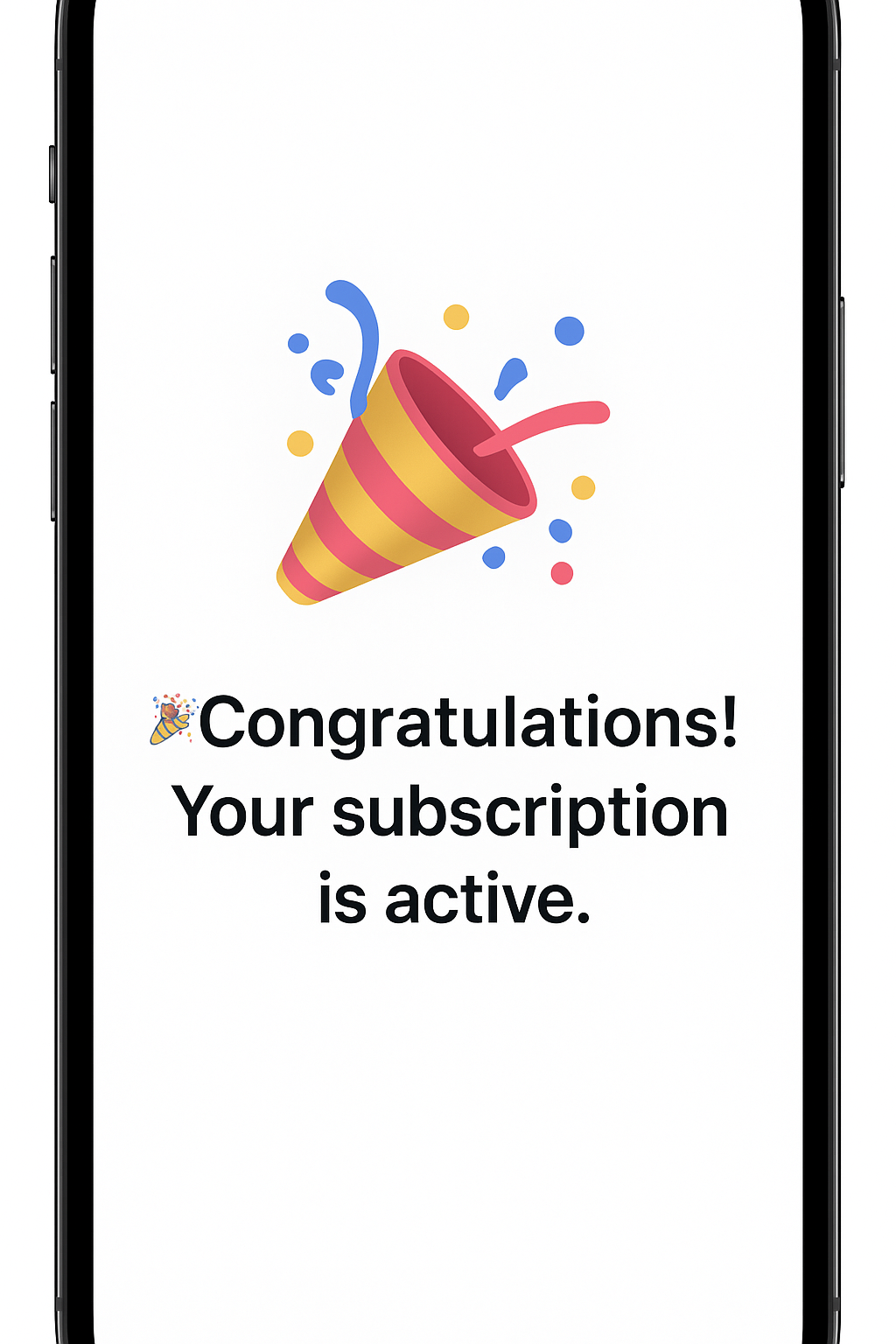
Then automatically redirect the user to the main part of your app (home, dashboard, etc.).